
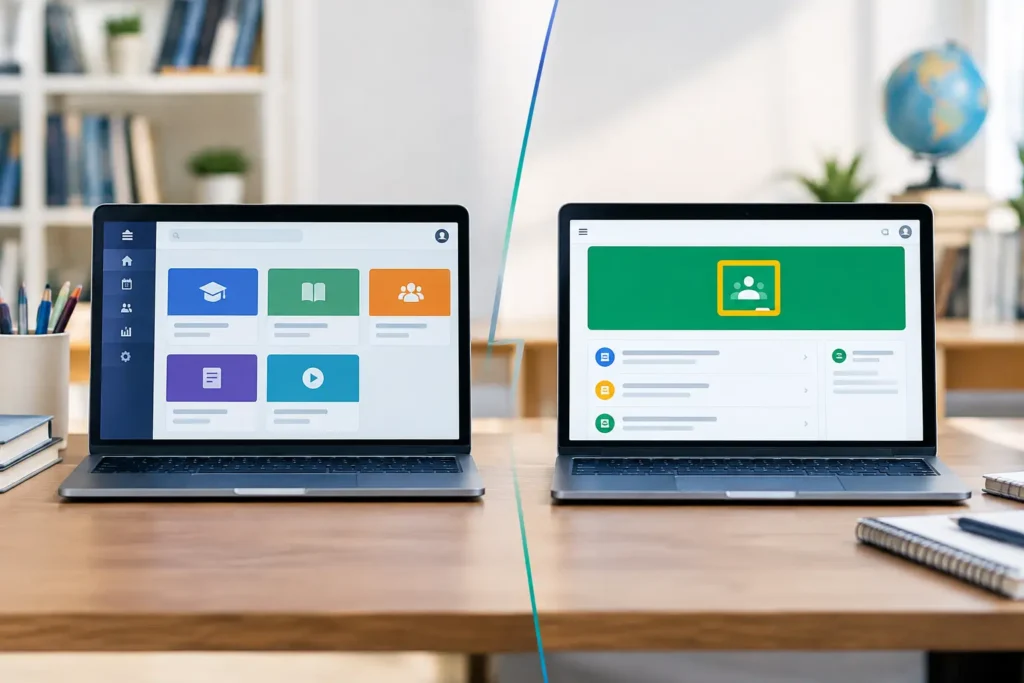
The question of LMS vs Google Classroom is not just about choosing an app for assignments and files. It is about how unified the learning experience can be when a school, a tutoring centre or a university needs to coordinate teaching, assessment, communication and student support every day. The right choice is not the same for everyone. It depends on the size of the organisation, its teaching model and how far it wants its digital operation to go.
Google Classroom is well known, familiar and quick to start with. A full Learning Management System, or LMS, is designed for something broader: to be the central place where the learning journey, progress data, live meetings, communication and learning support come together.
What Google Classroom does well
Google Classroom works effectively as a simple digital classroom environment. The teacher can create classes, post material, set assignments, define deadlines and return comments. For teams already using Google Drive, Docs and Meet, familiarity is immediate and the initial rollout takes very little time.
That makes it a practical solution for an individual teacher, a small class or a short-term school need. When the main goal is distributing material and collecting assignments, simplicity is a real advantage. Not every course needs the complexity of a large platform.
However, as an organisation’s needs grow, Classroom often has to be supplemented with other apps. Online exams, detailed statistics, organised communication with parents, progress tracking, managing many programmes and systematic student support may require separate tools and different processes.
LMS vs Google Classroom: the real difference
The key difference is not only the number of features. It is the logic of the platform. Google Classroom mainly organises a class’s workflow. An LMS organises the entire learning experience, from enrolment and course structure to assessment, participation tracking and communication after the lesson.
In an LMS, a course can be designed as a journey. The student sees units, videos, notes, activities, tests and completion requirements in a clear order. The teacher does not just post content. They create an organised environment where progress is visible and the student’s next step is clear.
This difference matters especially in blended and distance learning. When live teaching is combined with self-paced study, a place for files and announcements is not enough. You need continuity between what was taught, what needs to be studied, which activity was completed and where the teacher needs to step in.
Assessment and data that lead to action
Assessment is one of the areas where an LMS gains the most value for an organisation. Google Classroom covers basic assignments and grading, and for many cases that is enough. But when you need reusable question banks, different quiz types, automatic feedback, time limits or a detailed view of results, an LMS offers more structured capabilities.
Statistics are not valuable just because they exist. They are valuable when they help a teacher recognise that a unit is difficult for much of the class, that a student has not logged in for days or that participation in an activity is falling. Then data turns into timely support, differentiated material and better teaching decisions.
For an organisation’s managers, central progress reporting also reduces administrative workload. Instead of searching for information in different documents, calendars and apps, they get a more coherent picture of courses, participation and learning activity.
Communication that does not get lost between apps
Learning needs frequent, clear and timely communication. In a school, teachers communicate with students, students ask for clarification, parents need updates and management needs consistency in how critical information is shared.
With Google Classroom, this communication can be supported, but it often spreads across email, chats, video calls and other tools. An LMS aims to keep that flow within the same learning environment. Announcements are linked to the course, notifications reach the right users and interaction keeps its educational context.
Consolidation does not mean every conversation must happen on one platform. It means the core actions of the learning process do not depend on whether someone remembered which app a message or file was sent through.
Live lessons, mobile access and support
For organisations offering online or blended programmes, the relationship between asynchronous and synchronous learning is decisive. A video call on its own does not create a complete digital classroom. Students must be able to find preparation material before the lesson, take part in the live session, continue with activities and receive feedback without constantly changing environments.
This is where an LMS with a built-in virtual classroom works as a shared workspace for everyone. Linking live sessions with learning content and assessments reduces confusion and makes it easier to track participation.
Mobile access is just as important. Students do not only study on a computer at home. They check deadlines, revise material and communicate from different devices at different times. A well-designed mobile experience is not an extra convenience. It is a precondition for continuous contact with the course, especially for adult learners and students with demanding schedules.
Artificial intelligence can also offer real help when used with a teaching purpose. An AI assistant can guide the student to the right material, answer frequent questions and support study planning. It does not replace the teacher. It frees up time so the teacher can focus on the questions and difficulties that need human judgement.
When Google Classroom is enough and when you need an LMS
Google Classroom is a sensible choice when the need is immediate, the learning structure is simple and the team already has the right habits with Google tools. It can effectively serve a class that needs basic distribution of material, assignments and communication around them.
An LMS is more suitable when the organisation wants to standardise the quality of its digital courses, run programmes at scale and reduce its reliance on disconnected tools. It is especially useful when there are many teachers, different classes, a need for detailed data, frequent assessments, live lessons and systematic communication with students or parents.
Moving to an LMS needs planning. A platform does not improve teaching by itself if the content stays disconnected or teachers lack practical support. Success comes when technology follows a clear learning process and is easy enough to be adopted every day.
Platforms like Classware respond to this need by connecting LMS, virtual classroom, mobile access, assessments, communication and AI support in one shared environment. For an organisation, the goal is not to collect more features. It is to give teachers and students fewer obstacles between teaching and learning.
The most useful next step is to map a student’s journey from the first announcement to completing a unit. If that journey passes through many disconnected points, there is room for a more unified learning environment.